Your day with friends
See who is free today, make plans and find out what’s going on nearby.
- Today
- Friends
- Nearby
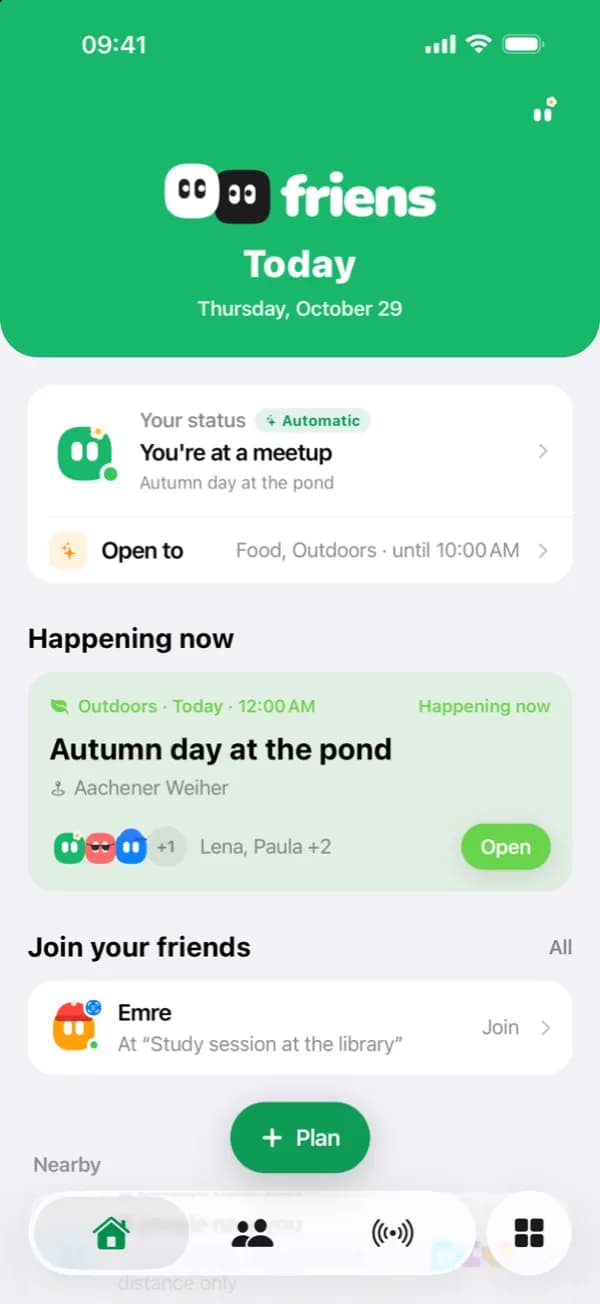
Friens shows you which of your friends are free today and turns “We should really catch up sometime” into an actual plan. Plus events and people from your neighbourhood, all in one app.
Free on Android and iPhone.
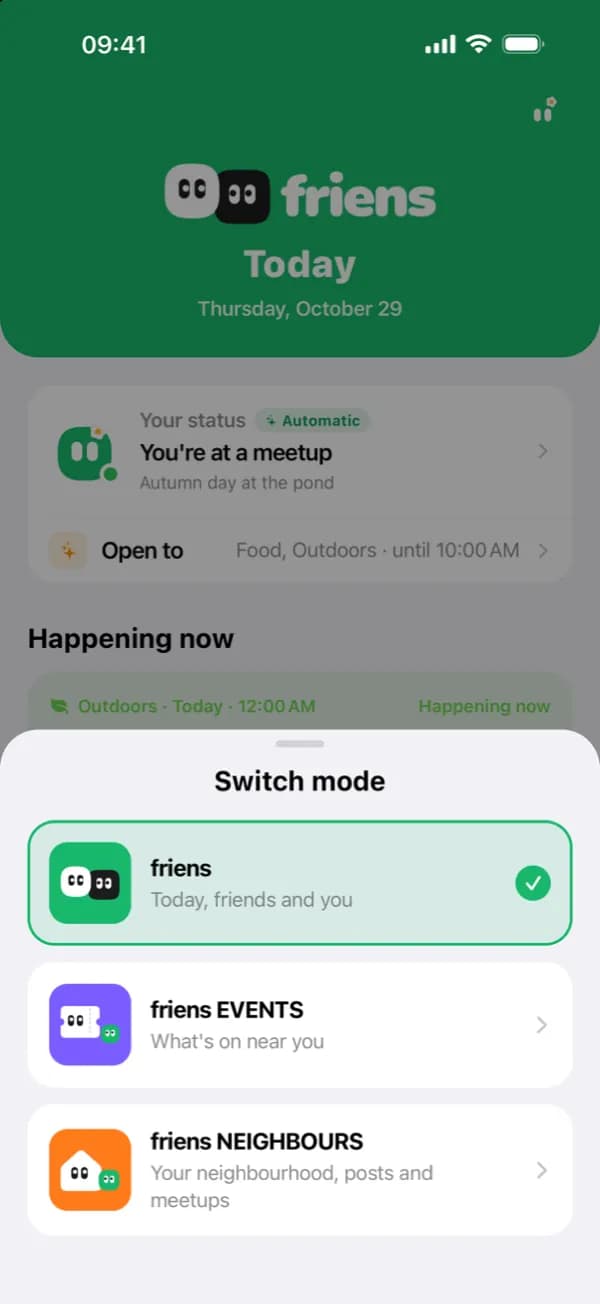
With the mode switcher at the bottom right you jump between your friends, events and your neighbourhood in a single tap. Meetups from your neighbourhood and from events also show up on Today.
See who is free today, make plans and find out what’s going on nearby.
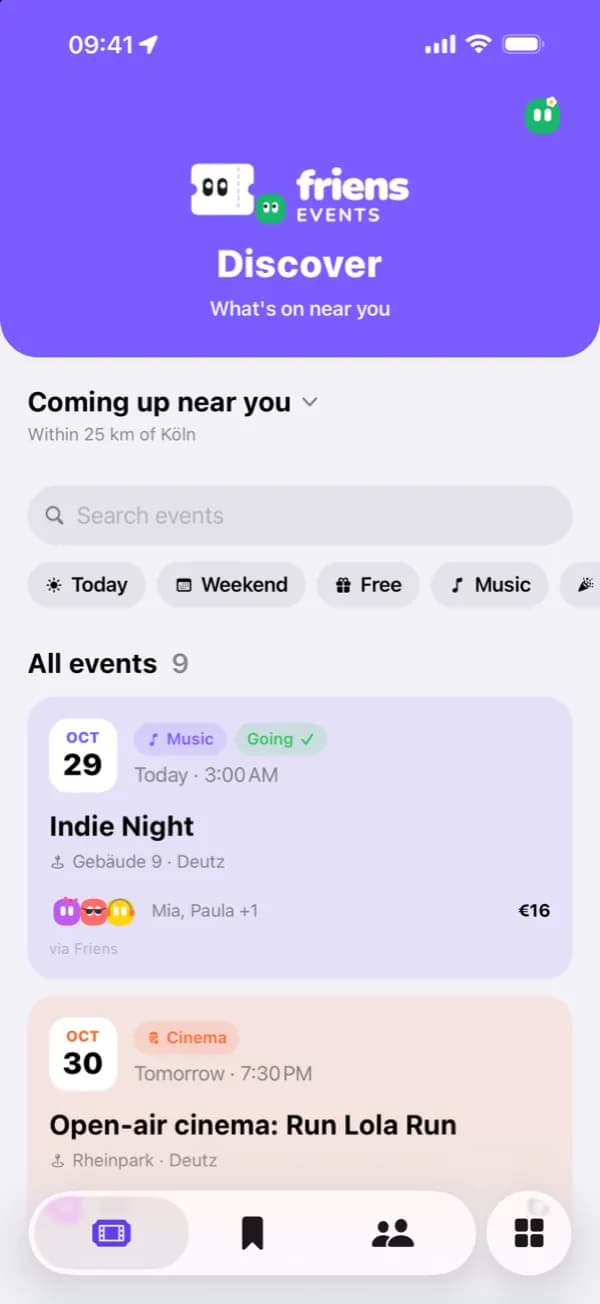
Gig, flea market, running club: discover events and see which of your friends are going.
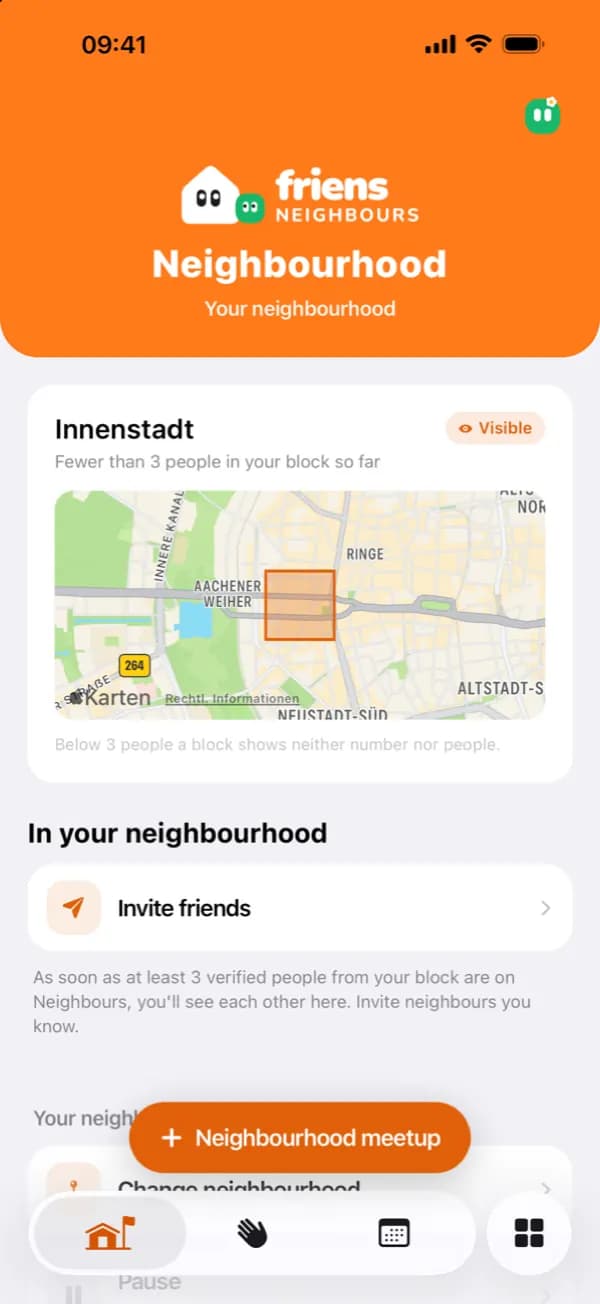
Get to know the people around the corner. You only see each other if you both want to. Your address stays with you.
One tap and your friends see how your day looks. With “Open to” you say what people can invite you to: coffee, a walk, a meal. No group chat, no back and forth.
What, when, who. In your meetup you post in the feed, split costs in the kitty and find each other with live locations on a map, including “last seen”.
Your next meetup shows up as a Live Activity on the lock screen and in the Dynamic Island, on your Apple Watch and as a widget.
Meeting new people doesn’t come easy to everyone. Friens suggests small steps at your own pace. Your Vibe Score grows with every meetup.
So everyone gets home safely.
You prove once that you’re human: with the face scan on iPhone or with World ID. No bots, no fake profiles.
Instead of selfies, you design a little ball: colour, shape, eyes, plus a hat, crown or flower. On iPhone you can also scan a 3D avatar and share it with friends only.
Friens is free on Google Play and in the App Store.
Friens is an app for actually meeting your friends instead of just chatting. You see who is free today and what they are open to, make plans with a feed, live locations and a kitty, and find events and people from your neighbourhood. And if meeting new people doesn’t come easy to you, for example because of social anxiety, courage mode suggests small steps at your own pace.
Yes, Friens is free.
On Android, Friens is available on Google Play. On iPhone, you get it in the App Store. It is free on both.
Friens, Friens Events and Friens Neighbours live in one app. Use the mode switcher at the bottom right to move between them. Friens (green) shows Today, Friends and Nearby. Events (purple) shows Discover, Mine and Friends going. Neighbours (orange) shows Neighbourhood, Posts and Meetups. Meetups from your neighbourhood and from events also appear on Today.
There you set what people can invite you to right now, for example coffee, a walk or a meal. Your friends see it at a glance and can invite you directly instead of asking back and forth.
Others only see your approximate distance, never your exact location. With Friens Neighbours, you set your neighbourhood once. It is rounded to about 400 metres and stays on your phone, and Friens only gets an anonymous ID that changes every week. Your address never leaves the device. You only share your live location in a meetup, only when you start it and only for as long as you want. The map also shows when someone was last seen. Instead of photos, you show an avatar.
To make sure only real people use Friens, you prove once that you’re human: with World ID or, on iPhone, with the face scan. The face scan is only a liveness check, not face recognition. The camera image and 3D data stay on your iPhone and are not stored; Friens only remembers that and when you were verified. Friens Neighbours requires World ID.
With Walk home you share your route with your friends, who then see whether you arrive safely. With SOS you can get help quickly at any time. On iPhone you also see your walk home as a Live Activity on the lock screen.
Your avatar is a little ball that you design with shape, colour, eyes and accessories. On iPhone you can also scan a 3D avatar. The scan stays on your device, and you only share it if you want to, and then only with friends.